Get to know Water-Works

Modules

One connected utility workspace.

Billing, Work Orders, Inventory, and Reports share the same customer, account, location, and transaction context. Information entered once stays available wherever the next part of the job happens.

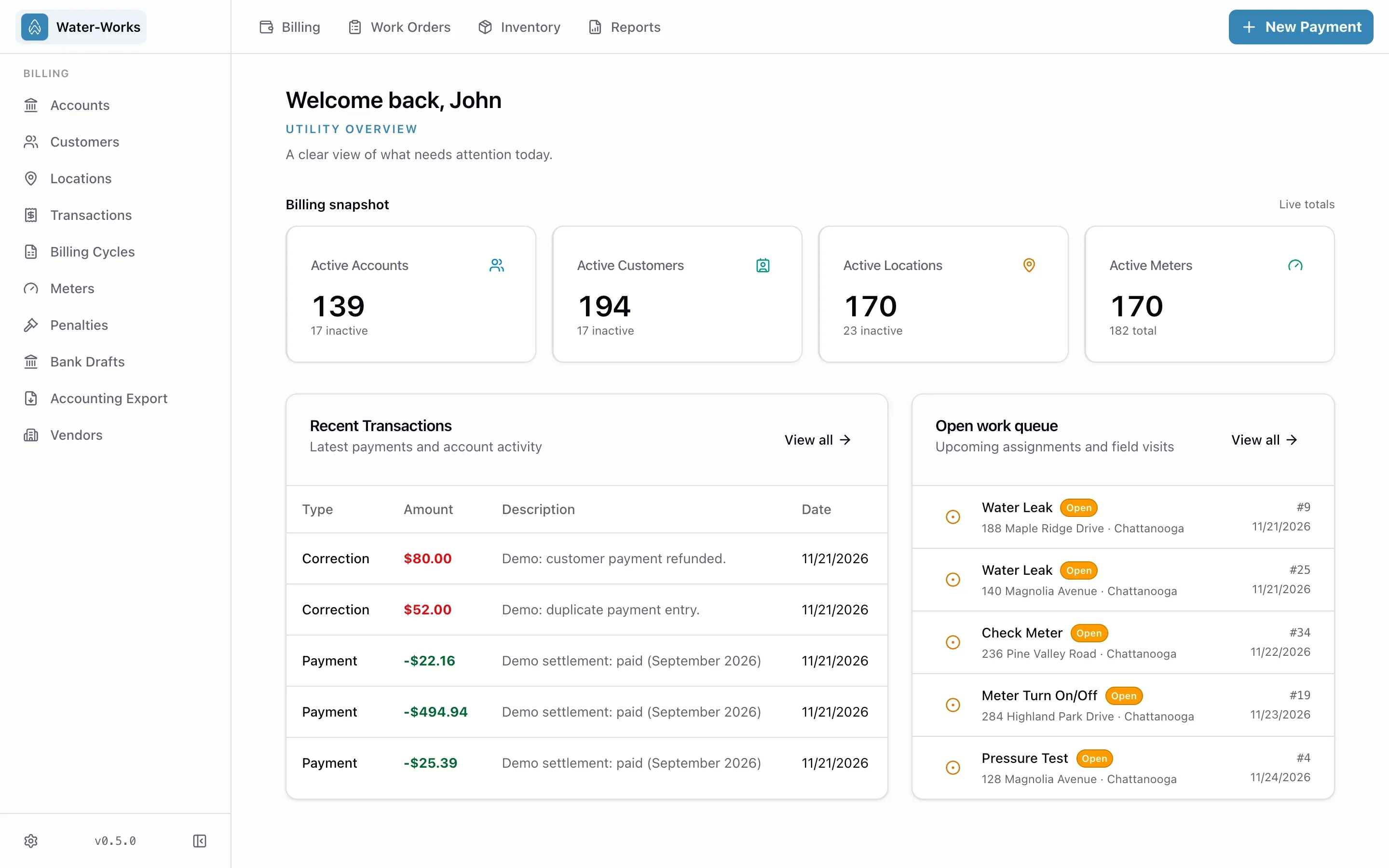
Water-Works dashboard showing billing, open work orders, inventory, and reporting navigation

Core Modules

Designed around the way utility work connects.

01

Billing

Guide account setup, manage multiple customers per account, review meter readings, apply charges, deliver bills, and record transactions.

Connected to the rest of the job

Connects accounts and payments to custom bill documents, reporting, and accounting exports.

Explore Billing
02

Work Orders

Plan and assign field work, download jobs for offline completion, capture photos, and record the materials used.

Connected to the rest of the job

Uses billing account context, updates inventory from field usage, and produces printable work-order reports.

Explore Work Orders
03

Inventory

Track stock, vendors, purchase receipts, invoices, adjustments, costs, and every transaction that changes quantity on hand.

Connected to the rest of the job

Links field usage to source work orders and exposes stock movement to operational reporting.

Explore Inventory
04

Reports

Duplicate built-in reports, customize fields and filters, design PDF layouts, save favorites, and keep reports private or share them.

Connected to the rest of the job

Uses the same Billing, Work Orders, and Inventory records your team manages every day.

Explore Reports

Access by Role

Give each user the modules and permissions they need.

Users do not receive access to every part of Water-Works by default. Assign no access, Viewer, Editor, or Admin for each module, while system administrators retain access to all modules.

Viewer

Open assigned modules and review records without changing operational data.

Editor

Create and update records within the modules assigned to that user.

Module Admin

Manage higher-impact actions within assigned modules. System administrators can access every module.

Connected Context

The handoff stays inside the platform.

Account to field work

A work order retains the account and service location, so technicians know exactly which property and customer the assignment belongs to.

Field work to inventory

Items used on a work order create traceable inventory movement, and inventory records can open the source work order.

Operations to reporting

Saved reports use module-specific data, while work orders can generate printable records with account, location, meter, assignment, and completion details.

See the connected workflow for your utility.

Walk through how billing, field work, inventory, and reporting work together in Water-Works.

Your privacy

This site uses local storage for your settings and Vercel Web Analytics for aggregate usage insights.

Privacy

This site uses local storage to remember settings and Vercel Web Analytics for aggregate usage insights. BotID helps verify contact form submissions without building a personal profile.

Privacy policy